Mastodon is a fantastic platform but it’s built-in search provides limited options to retrieve toots. If you use Mastodon regularly, you have probably run into this problem: you remember seeing a toot a few days ago, you know roughly who posted it or one or two words from the content, but you cannot find it.
The inspiration came from a toot: Hister can easily solve this.
How Hister indexes your Mastodon feed
Hister’s browser extension handles the indexing automatically: it watches your open tabs and sends page content to your local Hister index as you browse. Open your Mastodon feed, and the toots get indexed. That part is straightforward.
The trickier part is that a Mastodon timeline is not one document. It is dozens of individual toots packed into a single page. Without special handling, the whole page gets indexed as one blob of text constantly overwriting itself on each page change, which makes generic full-page indexing nearly useless.
So I wrote a Mastodon extractor to handle this. When it detects a Mastodon page, it splits the content and indexes each toot as its own separate document. It detects Mastodon pages automatically by checking the page metadata, so it works with any Mastodon instance without any configuration.
Automatic re-indexing as new toots arrive
The browser extension does more than just index a page on the first visit. It watches for changes too. When your Mastodon Home feed loads new toots, the extension detects that the page content has changed and re-indexes the tab. This means every toot that appears in your browser gets added to your local index automatically.
Finding toots efficiently
Once your toots are indexed, you can search them using Hister’s query language just like any other document. But there is a small problem: your index contains web pages, articles, documentation, and now toots all mixed together. When you want to search only toots, you need a way to narrow it down.
The Mastodon extractor solves this by adding a type metadata field with the
value toot to every indexed toot. You can use this in a search query:
metadata.type:toot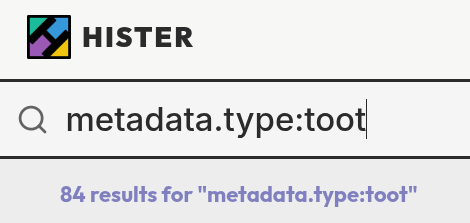
That query returns only toots this way. It works, but it is long and annoying to type every time.
This is where Hister’s search aliases help. You can define a short alias that
expands to a longer query. Add a query alias (e.g. !toot ) that resolves to metadata.type:toot, and then your search becomes:
!toot histerThe query returns only toots that contain the word “hister”:
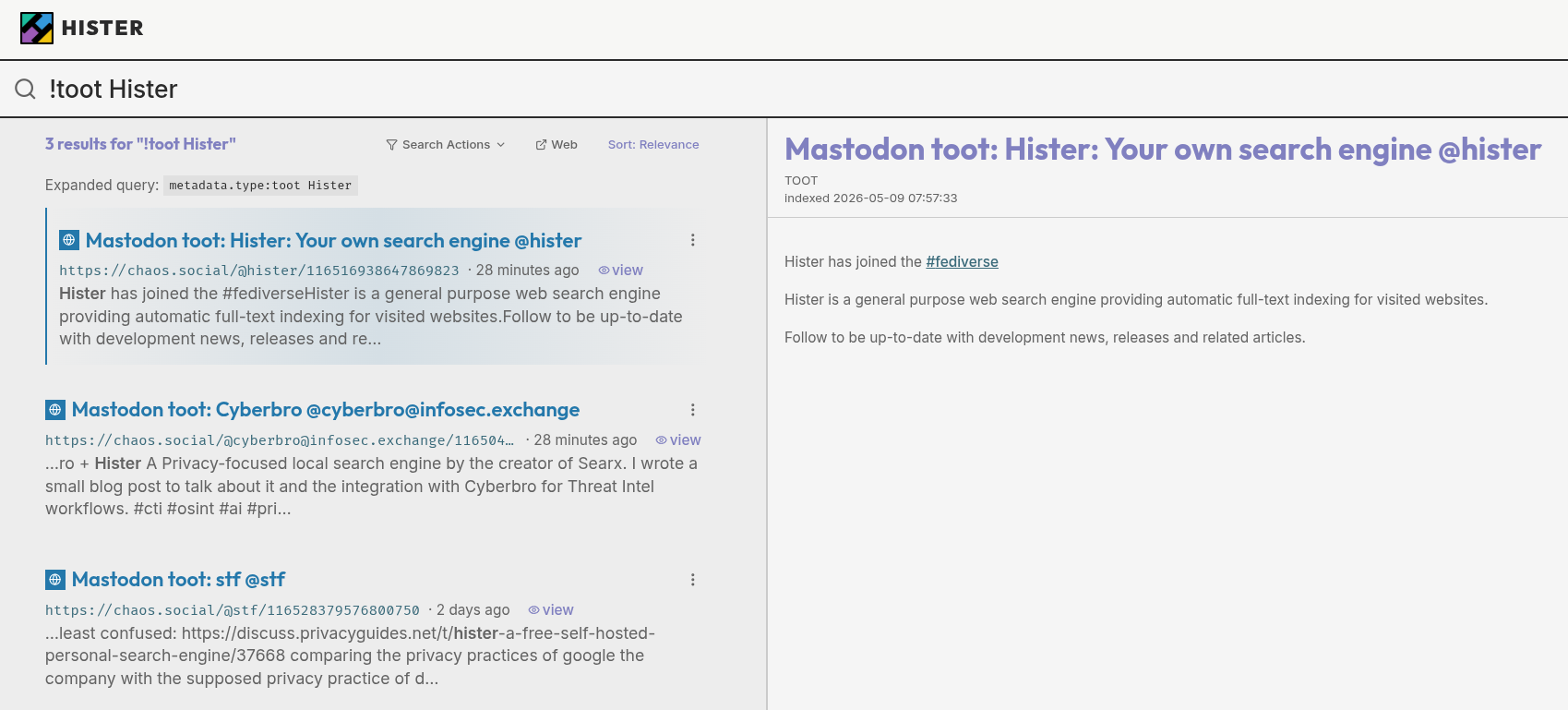
You can set up aliases in the Hister web interface under the Rules section.
What comes next
The Mastodon extractor is functional but still basic. A few things would make it much more useful:
Richer metadata. The extractor currently focuses on the text content. It could also capture boost counts, reply counts, favourite counts, timestamps, and links or attached media.
Per-handle filtering. You might only want to index toots from specific accounts and skip the rest. A configuration option to include or exclude specific Mastodon handles would give you fine-grained control over what ends up in your index.
A custom preview template. The search results for toots currently use the same generic preview layout as any other document. A toot-specific template could display the author, timestamp, and engagement numbers in a more readable format.
If you have ideas for other improvements, open an issue or start a discussion in the Hister repository. The extractor is easy to build on, and contributions are welcome.
To get started, install Hister and follow the quickstart guide, install the browser extension, and open your Mastodon feed. The indexing happens automatically from that point on.